
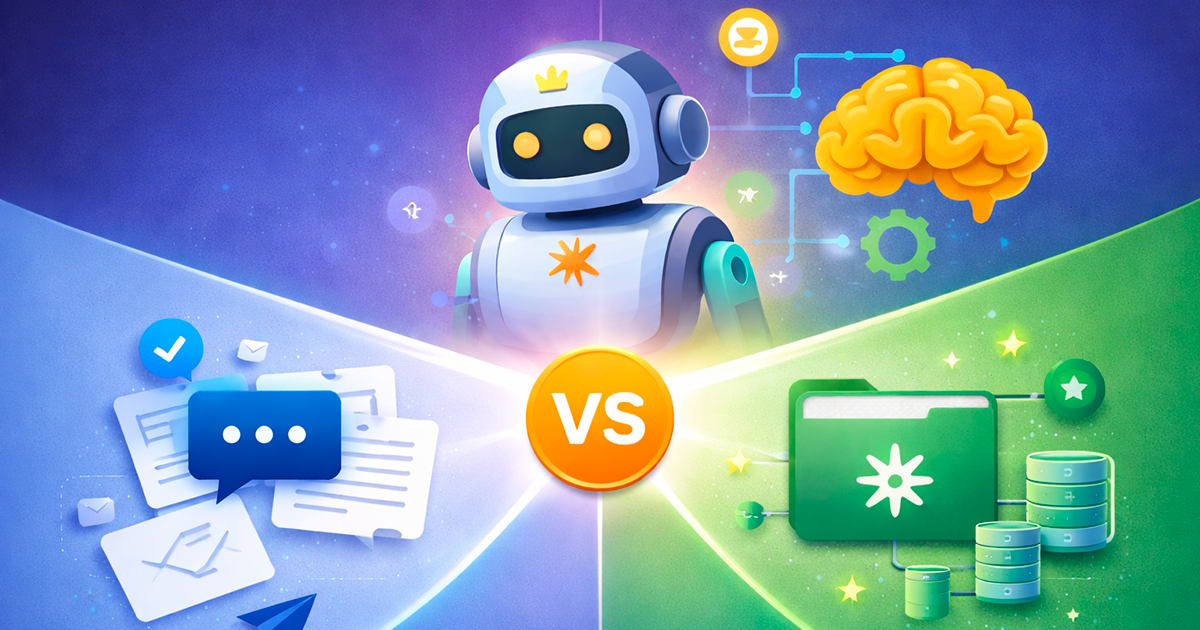
If you work with Claude, you've probably used prompts. You write an instruction, Claude responds, and that's it. It works well for many things. But if you really want to boost your productivity and create smarter workflows, you need to know about Skills. The difference between a normal prompt and a Skill is the difference between sending a one-off email and having an assistant who understands your complete context.
What is a normal prompt and how does it work?
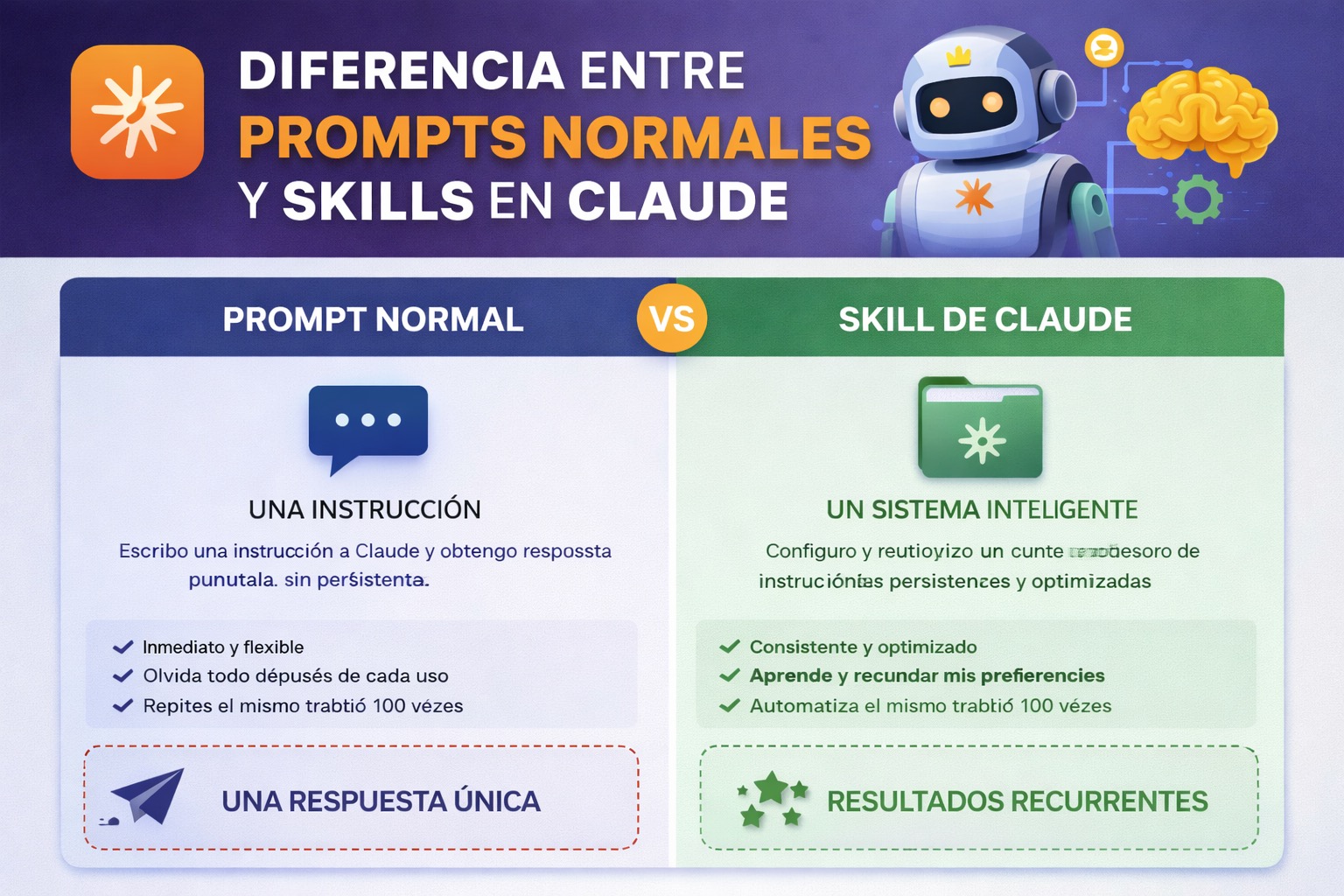
A normal prompt is what you do every time you use Claude. You write a question or instruction, Claude processes it and gives you back a response. It's immediate, direct and stateless, meaning each conversation is independent.
For example, you could write: "Analyze this Python code snippet and suggest improvements". Claude would do it perfectly. Or: "Write a professional email to request an extension". That would work well too.
The problem is that these prompts live in the moment. They don't remember previous context, they don't adapt to your specific way of working, and if you need to do something similar tomorrow, you'll have to explain everything again. It's like having to introduce yourself every morning at the office.
- Speed: Immediate response
- Flexibility: You can ask anything
- Limitation: No persistence or contextual memory
- Reusability: Low, requires rewriting each time
Introducing Skills: prompts with superpowers
Claude's Skills are, in essence, turbocharged prompts. They're sets of structured instructions, with persistent context, that can be reused infinitely. A Skill is like creating your own specialized AI system that lives in your workspace and understands exactly how you work.
When you use a Skill, you're not writing a random instruction. You're invoking a small system that you've trained to do something specific the way you want it. It's the difference between asking "what's the capital of France?" and having a geography consultant who knows your preferred level of detail and responds exactly in the format you need.
Skills include:
- Detailed instructions and domain-specific context
- Ability to remember how you prefer a task to be completed
- Integration with your particular workflow
- Instant reuse without rewriting anything
- Evolution and improvement based on your real needs
Practical comparison: A real use case
Scenario: You're a content manager and need to review blog articles regularly.
With a normal prompt: Every time you have an article, you write something like "Review this blog article. Look for grammar errors, improve the clarity of the second paragraph, make sure the tone is professional but friendly, and give me specific suggestions". Then you copy the article, wait for the response, and repeat this same process 15 times a month. It's mechanical work that needs that context every time.
With a Skill: You create a Skill called "Master Blog Reviewer" that contains the exact instructions about your brand style, your preferred tone, your company's specific quality criteria, and the exact format you want to receive feedback in. From that moment on, every time you need to review an article, you simply invoke the Skill, paste the text, and get an analysis perfectly aligned with your standards. Zero friction.
The real magic: The Skill remembers that you prefer suggestions in bullet point format, that you emphasize active voice, and that you prioritize readability for non-specialized readers. The normal prompt forgets all that after one line.
Key advantages of Skills over normal prompts
Guaranteed consistency: Each execution of the Skill produces coherent results because it follows the same set of instructions. Normal prompts vary depending on how you write them.
Cumulative efficiency: As you use a Skill, you can refine it. Your second use will be better than the first because you learn what works. With normal prompts, you start from scratch each time.
Implicit documentation: A well-built Skill is your documentation. Other team members can use exactly the same Skill and get identical results, without having to learn your complete process.
Scalability: If you need 10 people to review blogs the same way, you share the Skill once. With normal prompts, you have to teach each person your way of writing the instruction.
Deep integration: Skills can connect with other systems, memorize user preferences, and adapt to broader contexts. A normal prompt is a lone gunman.
When to use each: The uncomfortable truth
Here's the honest part: you don't always need a Skill. If you need a one-time, quick answer and you'll never return to that task, a normal prompt is perfect. It's agile, direct, with no overhead.
But if you find yourself repeating the same type of instruction more than 3 times in a month, or if it's a critical task for your workflow, it's time to scale up to a Skill. The ROI is huge on repetitive tasks.
- Use normal prompts for: One-off questions, quick explorations, experimentation, specific feedback
- Use Skills for: Repetitive processes, critical tasks, need for consistency, team workflows, continuous improvement
The future: Skills as your second brain
The trend is clear. As AI advances, the value isn't in being able to ask a random question. The value is in creating customized systems that understand exactly how you work. Skills are the bridge between generic AI and AI that adapts to your specific reality.
Imagine a future where your workflow is supported by 20 specialized Skills. One for reviewing code, another for analyzing data, one more for generating reports, another for creative brainstorming. Each one trained in your way of thinking. That's not science fiction; it's the present at SkillsHub MCP.
Normal prompts will continue to be useful for exploration and one-off questions. But if you really want to multiply your productivity and create processes that scale, you need to evolve to Skills. It's the natural next step.
The conclusion is simple: A prompt is a question. A Skill is a system. If your work requires consistency, scale and evolution, you already know which to choose.
Ready to take your productivity with Claude to the next level?
Discover and download specialized Skills at SkillsHub MCP. From content analysis to process automation.
Explore all Skills¿Prefieres escuchar el contenido? Genera la narración de audio con un clic.